Why is iMessage Not Working for One Contact on iPhone? Fix Notifications & Sync Issues
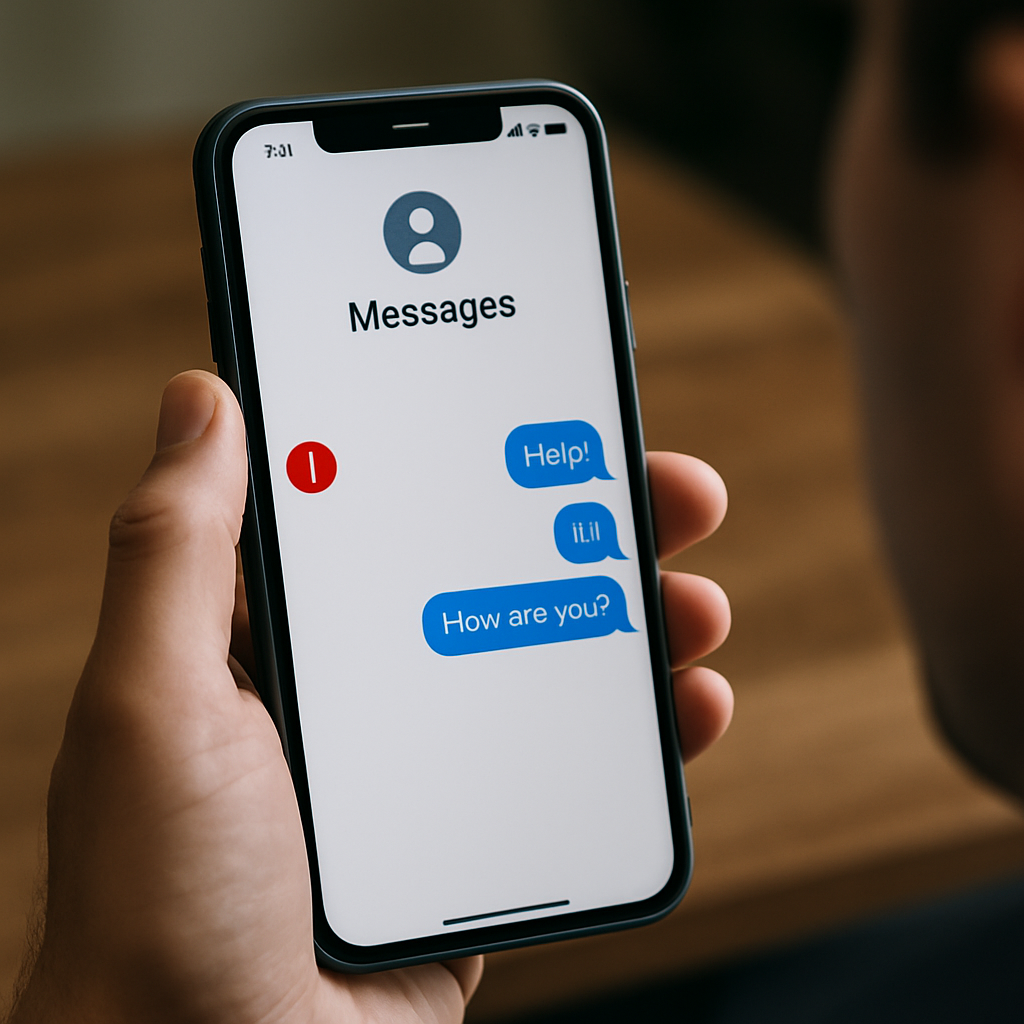
If your iMessage isn’t working for only one contact but functions properly with everyone else, it is likely not a device-wide issue but a problem isolated to notification or sync settings, contact details, or even how the contact is registered with iMessage. This situation can be frustrating, particularly if notifications fail, messages suddenly send as SMS/MMS, or read receipts/features like tagging stop working. Here’s a step-by-step guide to help you fix iMessage when it won’t work for just a single person.
Check Contact Information and Deregistered Numbers
Start by examining the affected contact's saved information in your iPhone messages app. Sometimes, duplicate numbers, outdated email addresses, or an iCloud account switched to Android can interfere with iMessage delivery between specific contacts.
- Open the Contacts app and tap the affected person.
- Remove all phone numbers and email addresses, then re-add only their main number.
- Ask your contact if they recently changed their device or deactivated iMessage, as deregistered numbers often cause sync and forwarding issues (Apple Community Discussion).
If your contact switched to an Android or deregistered their number from iMessage, they’ll need to disable iMessage completely or deregister their number at Apple’s official site to prevent SMS delivery confusion.
Notifications and Alerts: Adjusting Message Settings
Failing notifications or the inability to see visible alerts for one conversation can be triggered by hidden alerts or improper message toggles. First, make sure the chat isn't muted:
- Open the Messages app. Swipe left on the contact thread and check if 'Hide Alerts' is enabled.
- Toggle notification settings by selecting 'Info' and verifying all notification switches are on for this contact.
- Revisit iPhone settings, then tap 'Notifications' > 'Messages' to confirm notification badges, banners, and sounds are enabled.
Issues like invisible tagging, missed voice message notifications, or reactions not showing properly are often tied to muted alerts. Correcting these notification settings resolves most visibility problems with iMessage.
iMessage Sync, Forwarding, and Effects Troubleshooting
Sometimes, messages to one contact show up only as SMS/MMS, fail to sync across devices, or features like effects, mention, and dictation don’t appear. This usually means a fault with iMessage activation, number registration, or the recipient's Apple ID status.
- Check 'Send & Receive' settings at Settings > Messages > Send & Receive. Be sure both your Apple ID and phone number are enabled.
- If using multiple devices (Mac, iPad), ensure iCloud sync is active and that Messages in iCloud is toggled on in 'Settings'.
- If your contact is part of a group chat and issues persist, it may be a forwarding or sync error between devices. Sign out and back into iMessage.
If iMessages only fail for one person but sync and effects work elsewhere, ask your contact to restart iMessage on their device, as suggested on Reddit's iPhone community.
Group chat issues, missing effects, schedule send later features, or RCS conversion problems typically surface only when something is malconfigured in forwarding or toggling settings, especially after a new update.
Account, Unblocking, and Restoration Steps
If you have confirmed neither you nor your contact is blocked, try unblocking and reopening the chat. Next, check read receipts and delivery notifications:
- Open the conversation and ensure neither party has enabled 'Hide Alerts' or blocked the other.
- Turn off and on 'Send Read Receipts' for this thread; sometimes toggling this reactivates normal message delivery and notifications.
- If the issue began following a restore from backup or after a major iOS update, sign out of your Apple ID (Settings > Messages > Send & Receive) and back in to force a sync reset.
If problems persist, consider deleting the affected conversation and starting a new message thread. Restoring your device, although not always necessary, can sometimes clear stuck message states or alert issues that resist all typical fixes.
Summary: When to Seek Further Help
If you have tried adjusting contact information, fixing notification alerts, updating sync and forwarding settings, toggling activation switches, and restoring your chat history, and iMessage for one contact is still not working, consider reaching out to Apple Support using the discussion thread at Apple Community. In rarer cases, server-side or carrier settings, such as issues with Telus, EE, or if RCS is interfering, may require an escalation.
When iMessage works perfectly with all contacts except one, the problem almost always lies in specific tagging, registration, or notification settings for that individual. By following the above steps, most users are able to resolve isolated iMessage delivery and notification failures for one contact on their iPhones.


Comments
Post a Comment